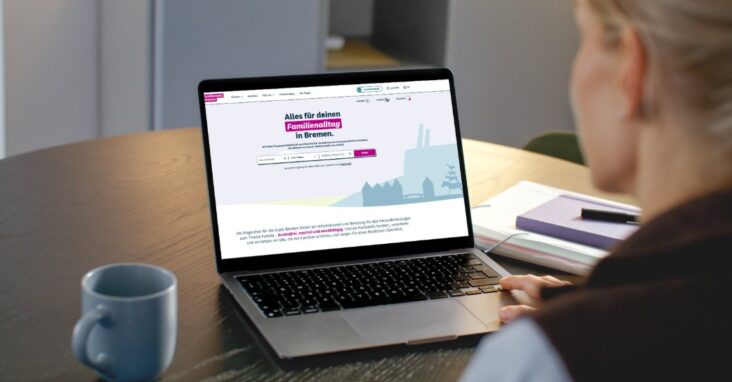
Are you looking for childcare for your child? You can register your child for a place in a daycare center or with a childminder via the City of Bremen's online childcare portal at Kitaportal.bremen.de. There are two ways to help you with the registration process: You can follow the step-by-step instructions or watch a short explanatory video. Choose the option that suits you best.
Here you will find step-by-step instructions for registering on the daycare portal:
- Step 1: Open the Bremen daycare portal
- Step 2: Create a user account or log in
- Step 3: Create child account (enter child data)
- Step 4: Choose a childcare facility for your child
- Step 5: Start registration
- Step 6: Enter your care request
- Step 7: Specify care needs
- Step 8: Upload evidence
- Step 9: Complete the overview and registration
Here you will find short explanatory videos for registering on the daycare portal:
- what a child ID is and how to get one,
- how to open the daycare portal,
- how to reset your password ,
- how to enter your child's data,
- how to choose a childcare facility ,
- how to complete the registration process,
- how to specify the desired scope of care and
- how to complete your registration.
For online registration, you will need a child ID for your child. This ID will be automatically sent to you by mail before your child's first birthday. When registering, you can select up to three preferred childcare facilities.
For information on registering for daycare in simplified language: Simplified Language – Daycare Portal of the Free Hanseatic City of Bremen
Brief introduction to the Bremen daycare portal in sign language: Sign language – Daycare Portal Free Hanseatic City of Bremen
Haven't received your child's ID yet? Do you have questions about using the daycare portal?
Please contact the Parent Service of the Senator for Children and Education:
Parents' Service of the Senator for Children and Education / Daycare hotline:
Monday & Thursday 9-11 am,
Tuesday & Wednesday 1:30-3:30 pm
0421 361-92000